Your Life Runs on Shifts.
Your App Should Too.
Track shifts, build habits, log mood & energy, manage finances. One app, designed for people who don't work 9 to 5.
See It in Action
Five powerful modules, one beautiful app.
Get Started in 3 Steps
Download & Open
Install MyLifeFlow for free. No account needed, your 30-day Pro trial starts instantly.
Set Up Your Shifts
Paint your shift pattern on the calendar with templates. Day, night, rest. Done in seconds.
Track Everything
Habits, mood, energy, finances, all adapting to YOUR schedule. Watch your life improve week by week.
Everything a Shift Worker Needs
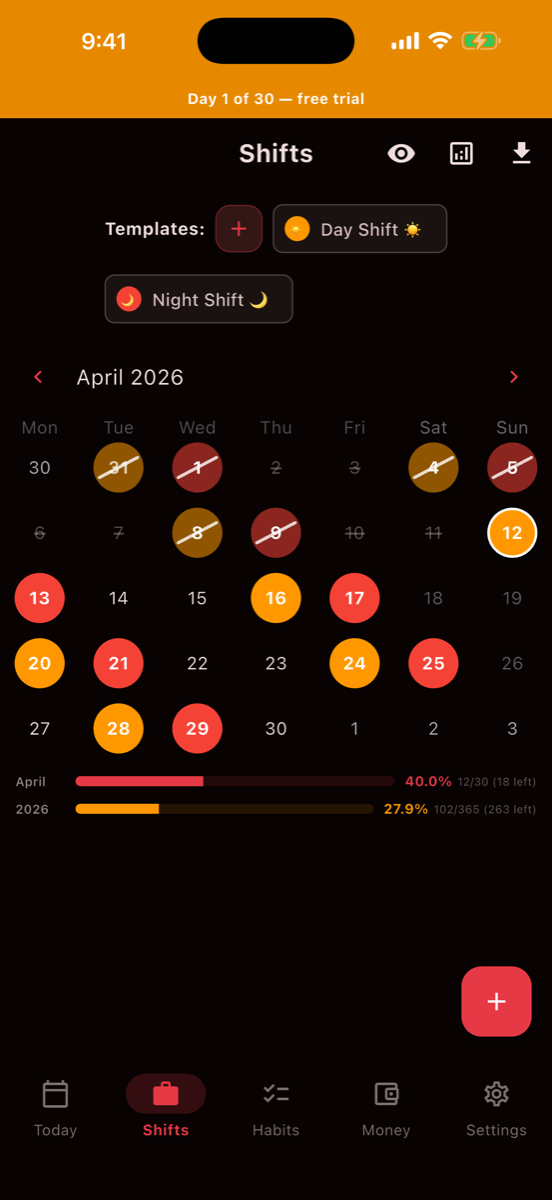
Shift Calendar
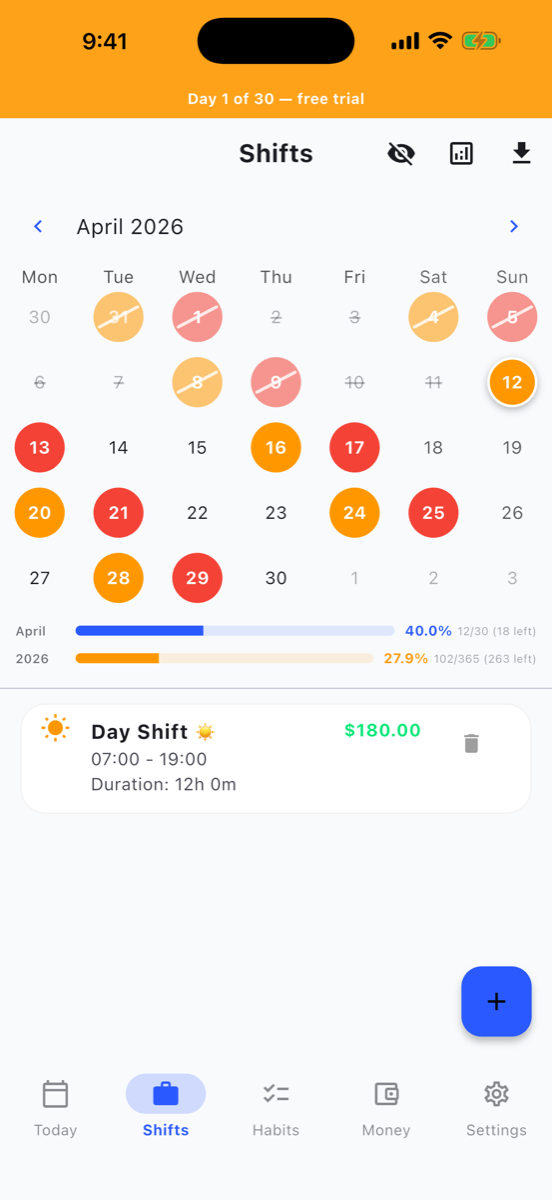
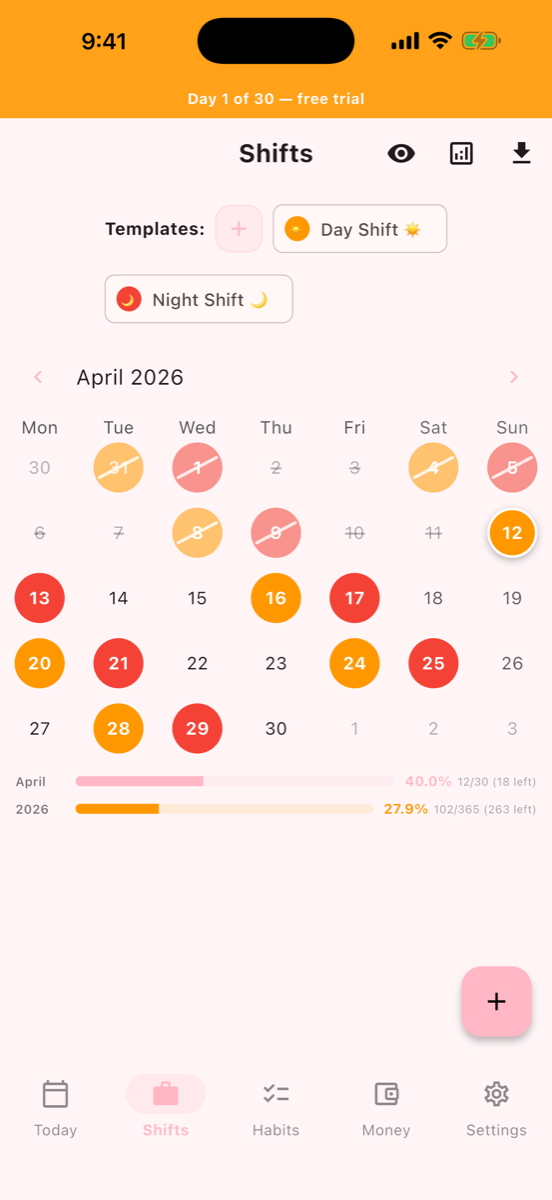
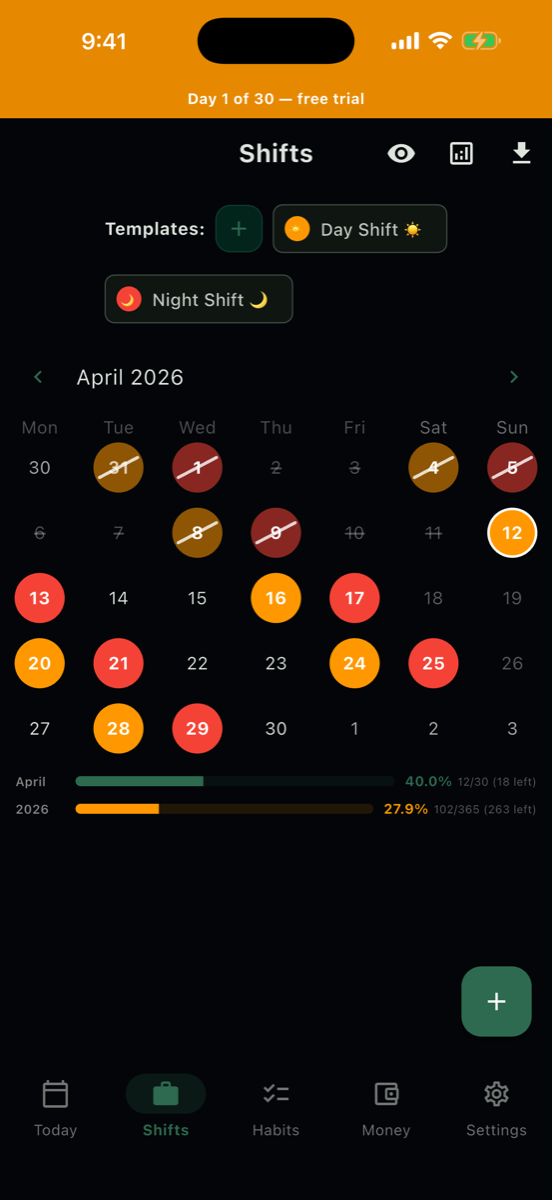
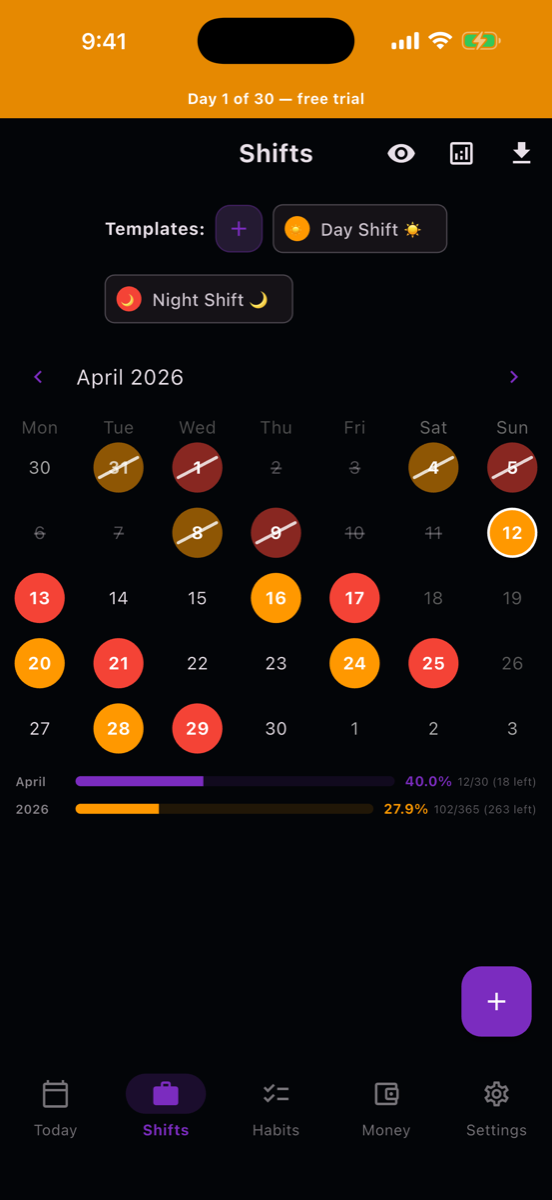
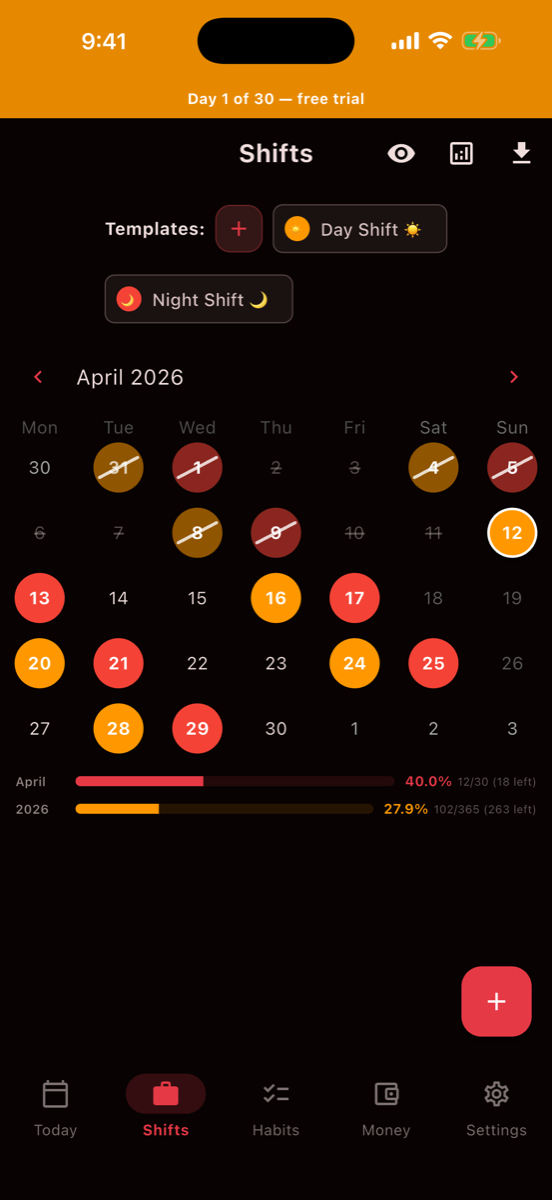
Map out your rotating shifts with visual color-coded calendar. Day, night, rest. See your pattern at a glance. Templates let you paint shifts in seconds.
Habit Tracking
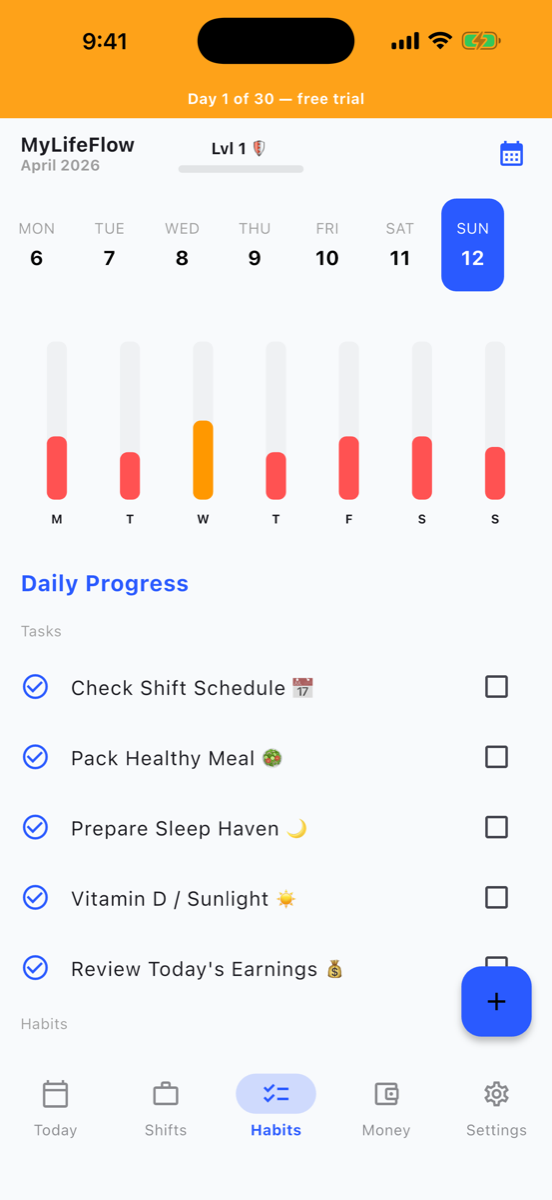
Build habits that adapt to your irregular hours. Track streaks, earn XP, level up. Your morning routine works whether you wake at 5 AM or 5 PM.
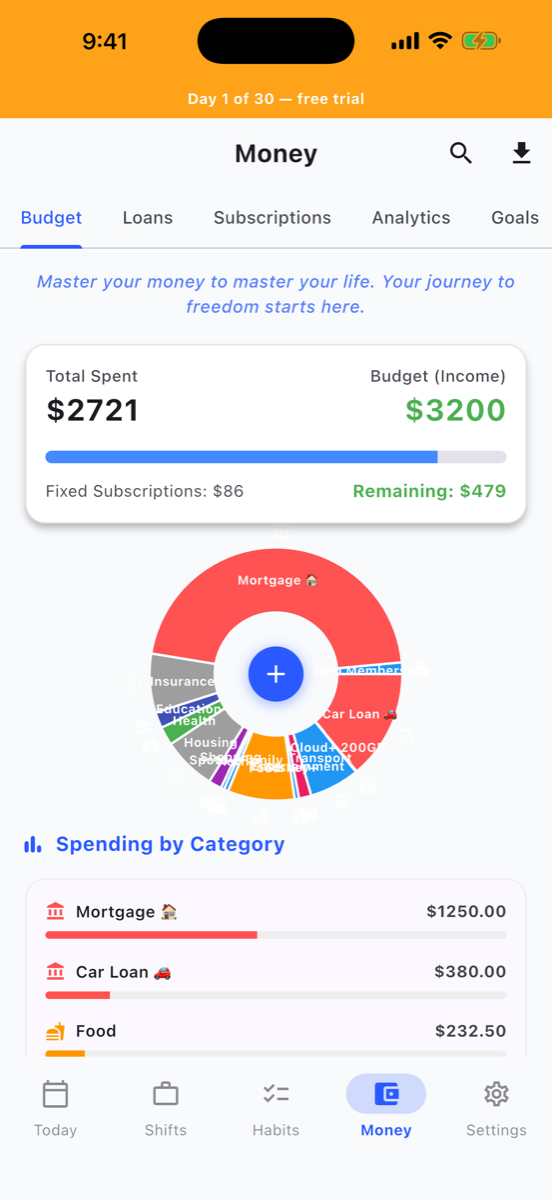
Finance Dashboard
Track income, expenses, loans, subscriptions, and savings goals. See your budget with a visual pie chart. Know exactly where your money goes each pay period.
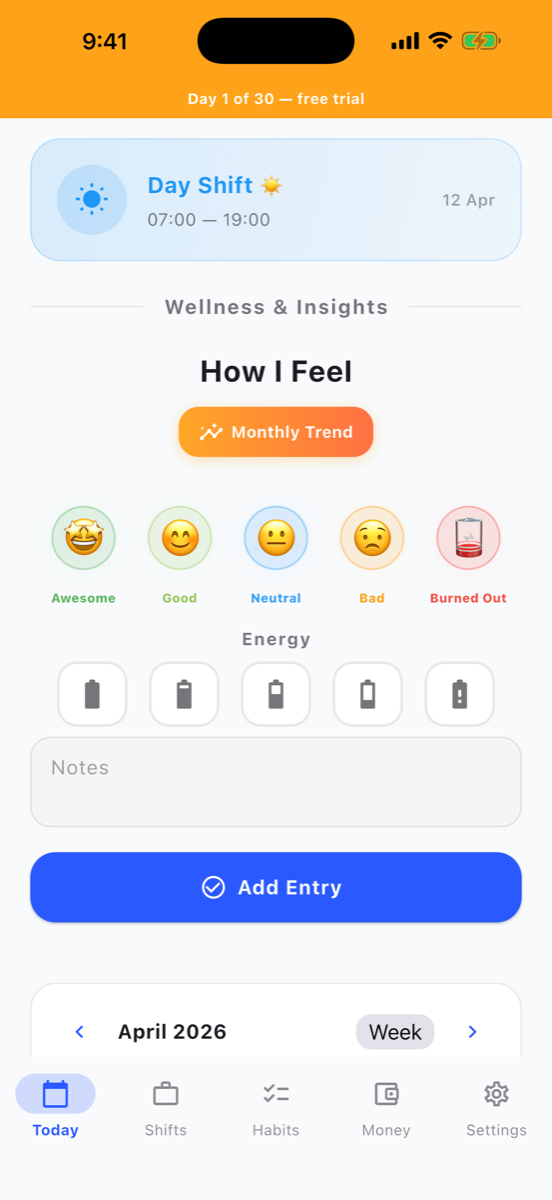
Mood & Energy
Log how you feel each day. Spot patterns, discover which rotations drain you and which ones you handle best. Your wellness data stays 100% private.
Daily Tasks
A lightweight task manager built into your shift day. Organize to-dos by shift, day off, or personal time. Check them off with satisfying confetti.
Privacy First
All data stays on your device. No account needed. No trackers. No analytics SDKs. Optional iCloud sync for your own devices, still private, still yours.
Refer a Friend, Get Pro Free
Get Pro free by inviting shift-worker friends. Every paid signup unlocks reward time on your account.
Learn how it worksMake It Yours
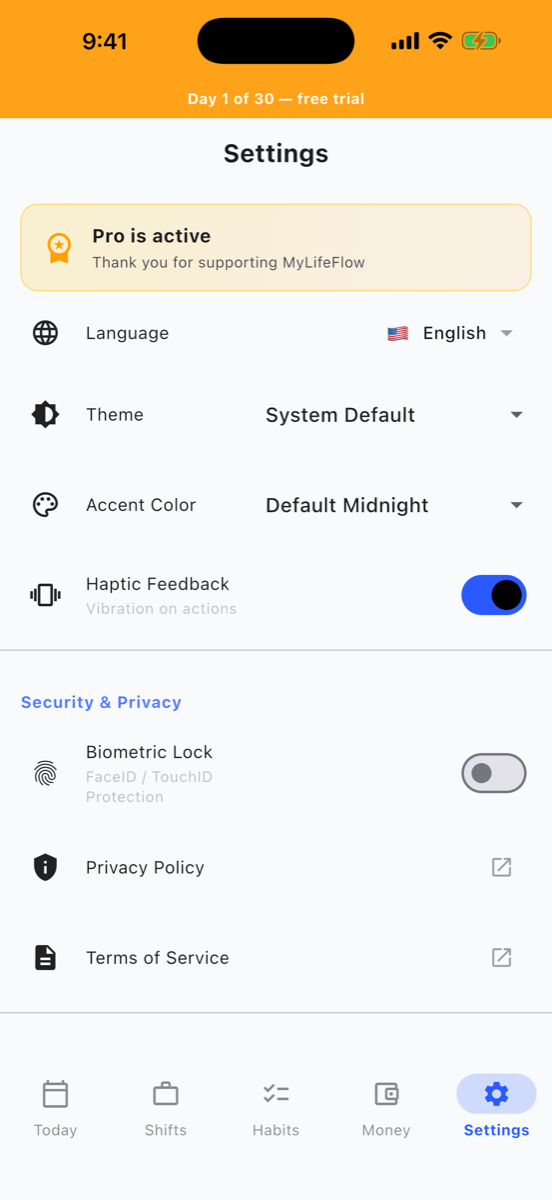
Choose from beautiful themes, dark, light, and everything in between.
Built For People Who Work Around the Clock
Whether you're pulling nights, rotating weekends, or juggling split shifts.
Every Rotation, Supported
Paint your pattern in seconds. Whatever your employer throws at you, MyLifeFlow knows the shape.
2-on · 2-off
4-on · 3-off
DuPont
Custom
Paint Your Schedule
Your rota isn't a list. It's a pattern. MyLifeFlow lets you tap-and-drag shifts onto a color-coded calendar so the rhythm of your life becomes visible at a glance.
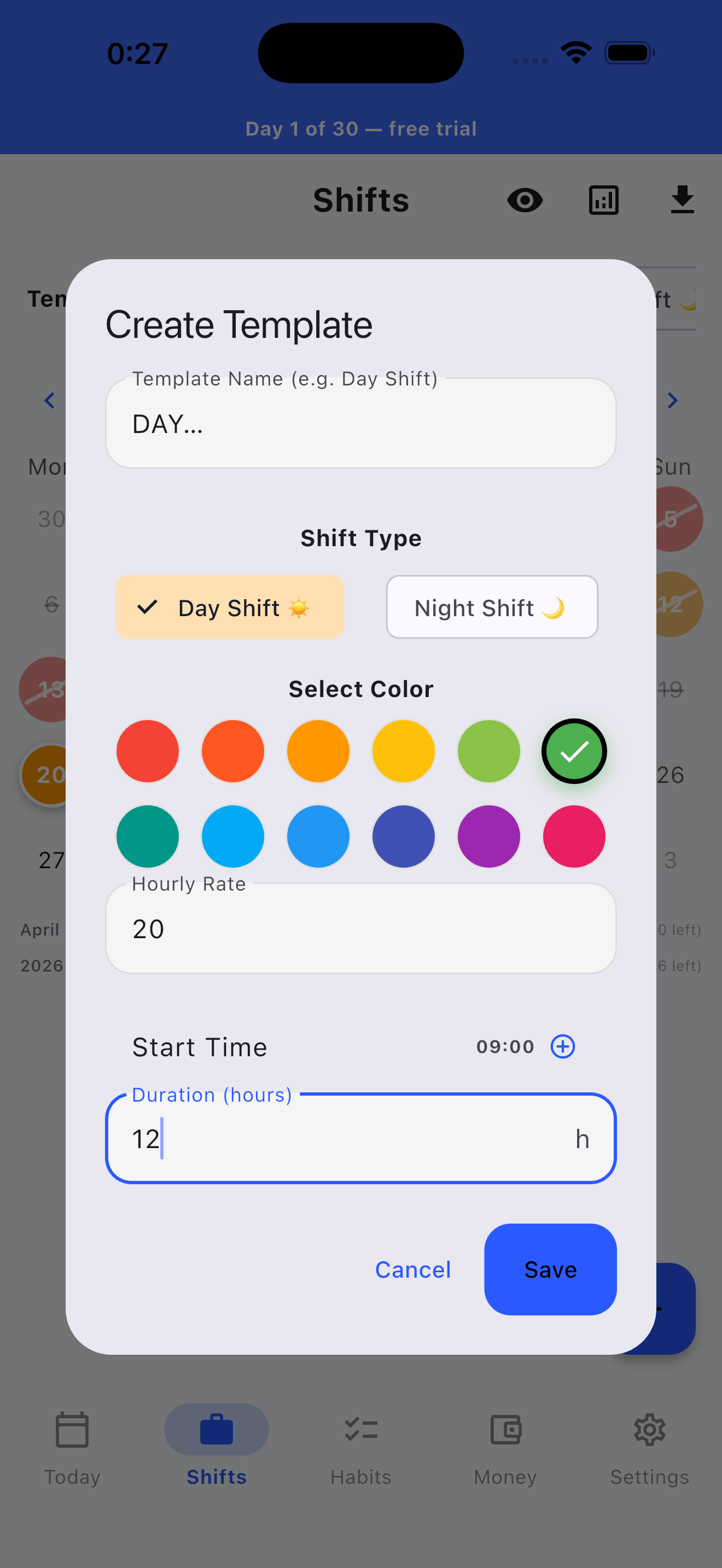
- Templates with start time, end time, break duration
- Day, night, on-call, rest, all color-coded
- Monthly stats: hours worked, night count, overtime
- Earnings calculated per template rate
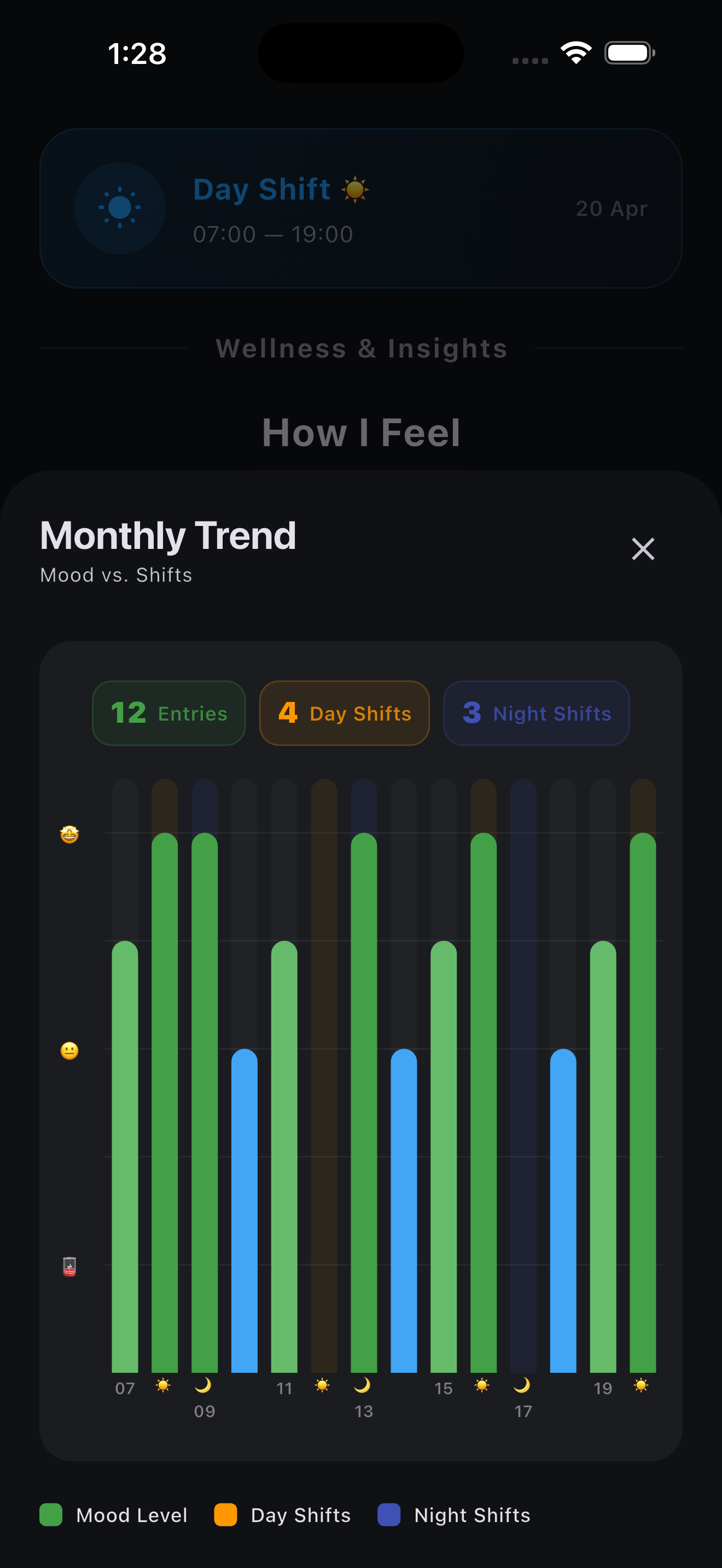
Mood & Energy, Tracked
After a year of logging, you'll see which rotations drain you and which ones you handle best. That's data no employer will ever give you.
- 60-second daily check-in: mood, energy, sleep
- Monthly trend charts by shift type
- Spot patterns across your rotation cycle
- Export data anytime, it's yours
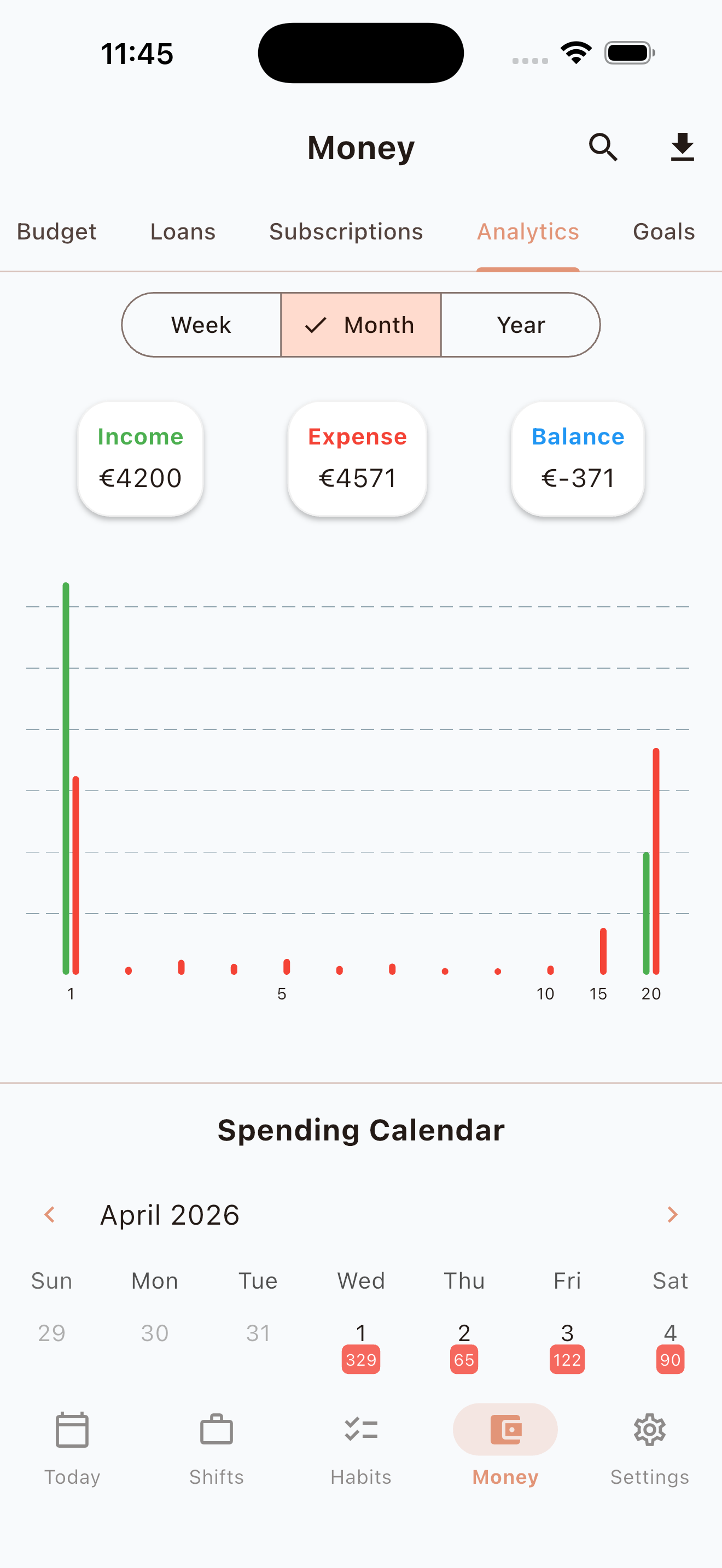
Know Where Your Overtime Goes
Shift work pays well when you count it right. Track income, expenses, loans, subscriptions and savings goals in one place. See exactly how much each rotation puts in your pocket.
- Income and expense categories with visual breakdown
- Loan tracker with interest impact over time
- Subscription list, catch the ones you forgot about
- Savings goals with progress rings
Habits That Bend With You
Morning routines work whether you wake at 5 AM or 5 PM. Set goals per day, track streaks, earn XP, level up. The app rewards consistency, not timestamps.
- Streaks that don't break on rest days
- Weekly completion meter inside each day cell
- XP and levels for long-haul motivation
- Reorder, archive, unlimited habits on Pro
Why It Matters for Shift Workers
Shift work isn't a lifestyle choice. It's a health condition that millions are trying to manage. Here's what the data says.
Simple, Fair Pricing
Start with a 30-day free trial. No credit card required.
Free vs Pro
30-day Pro trial when you install, no card, no signup.
Honesty First
I'd rather you skip MyLifeFlow than be disappointed. Here's the truth.
This app IS for you if…
- You work rotating or non-standard shifts
- You want one app instead of five
- You value privacy, no accounts, no servers
- You're okay paying fair prices for good software
- You want to see patterns across months, not just days
This app is NOT for you if…
- You want to share calendars with a team
- You need Android right now
- You expect every feature to be free forever
- You need bank-sync for finance (it's manual entry)
- You want AI coaching, this is a tracker, not a chatbot
Join the MyLifeFlow Discord
Swap shift-pattern tips, share feature requests, and get early access to experimental builds. Built by shift workers, for shift workers.
Join ServerWhat's Next
iOS 1.0 Launch
Five modules, 30-day trial, Charity pledge baked in, 4 subscription tiers plus lifetime. Private by default.
Widgets & Lock Screen
Glance at today's shift, next habit streak, and mood check-in without opening the app.
Apple Watch app
Log mood and complete habits from your wrist between shifts.
CSV & JSON export formats
Excel export of all your data is already built in. CSV and JSON formats plus encrypted local backup are next.
Android version
Demand will drive priority. Join the Discord if you want a vote.
Team shift rota
Shared calendars for small teams who rotate together.
Your Data. Your Device. Period.
I don't collect, transmit, or store any of your data on a server. I don't run a server. Everything lives on your iPhone, full stop.
Why I Built This
I know what it's like to work shifts. For years I managed port operations, leading teams through nights, weekends, and holidays. I watched colleagues struggle to build habits, track their health, and manage money on a schedule that changes every week.
Every productivity app I tried assumed a 9-to-5 life. Wake up at 7, morning routine, evening wind-down. That's not how shift work operates. So I built the app I wish I had, one that adapts to you, not the other way around.
MyLifeFlow is a one-person project, built with care. Every feature exists because a shift worker needed it.
10% of Every Purchase Goes to Charity
Automatically. No extra cost. No opt-in needed.
Every time you subscribe or buy lifetime, 10% of the net proceeds go directly to organizations that support shift workers and their families. You don't need to do anything extra. It happens behind the scenes on every single transaction.
The people who keep hospitals running at 3 AM, who guard buildings through the night, who serve meals on holidays deserve more than a paycheck. This is my way of giving back to the community that inspired this app.
10% is calculated from net proceeds (after Apple's 15-30% platform fee and applicable VAT or sales tax). Donations are made annually to verified organizations and reported transparently in the app.
Frequently Asked Questions
Is my data safe?
How does the free trial work?
Can I use it offline?
What happens if I cancel my subscription?
Do you support Android?
I work irregular shifts. Will this actually fit my schedule?
What iOS versions are supported?
Does iCloud sync work across iPhone and iPad?
Can I share a subscription with my family?
What's the 10% charity pledge about?
How is MyLifeFlow different from a regular calendar app?
Will you add AI / coaching features?
Who are you? Why should I trust this app?
How do I get a refund?
Stay in the Loop
MyLifeFlow is live on the App Store. Drop your email for occasional product updates (rare, no spam) and a personal note from me.
No spam. Occasional product updates only. Unsubscribe anytime. Protected by Cloudflare Turnstile.
Ready to Take Control of Your Shifts?
Try free for 30 days. No credit card needed.
Download on the App Store